
What is IndyKite?
IndyKite is a real-time data retrieval and enforcement layer purpose-built to bring deep context, granular control, and usability to your enterprise data.
Core capabilities:
- Capture: Store nodes and relationships in the Identity Knowledge Graph (IKG).
- ContX IQ (CIQ): Context-aware queries with built-in authorization.
- KBAC: Knowledge-Based Access Control for fine-grained authorization policies.
- External Data Resolver: Fetch data from external APIs in real-time during query execution.
- Trust Score: Assess data quality based on freshness, origin, and verification.
- Outbound Events: Push real-time notifications to external systems when data changes.
This Quick Start Guide walks you through:
- 1. Creating a Sandbox account and accessing the platform.
- 2. Setting up your environment (credentials, project, application).
- 3. Capturing data into your Identity Knowledge Graph.
- 4. Using IndyKite products: CIQ, KBAC, and Outbound Events.
Step 1: Access the Platform
Register for the IndyKite Sandbox
The Sandbox is a free environment where you can explore IndyKite features.
Create a sandbox account in the IndyKite Hub:
- EU Region: https://eu.hub.indykite.com
- US Region: https://us.hub.indykite.com
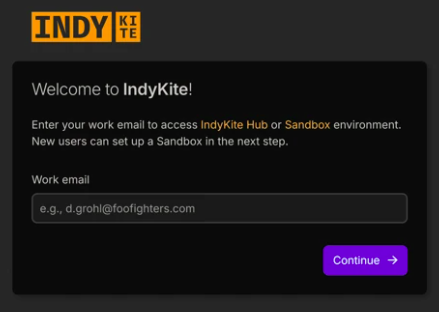
Create an account: IndyKite Sandbox Registration
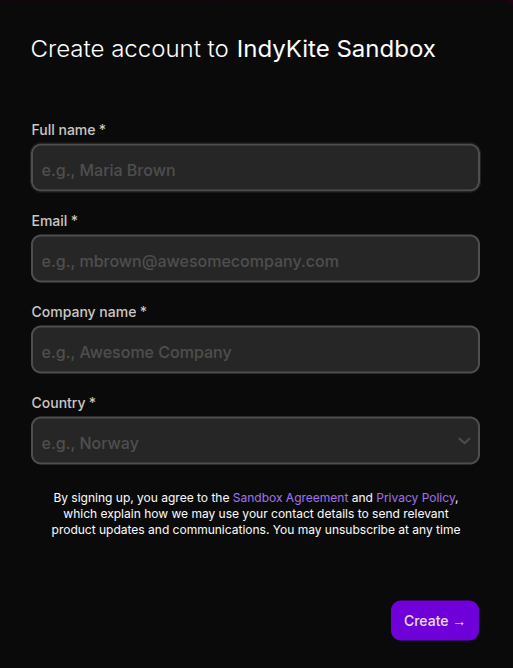
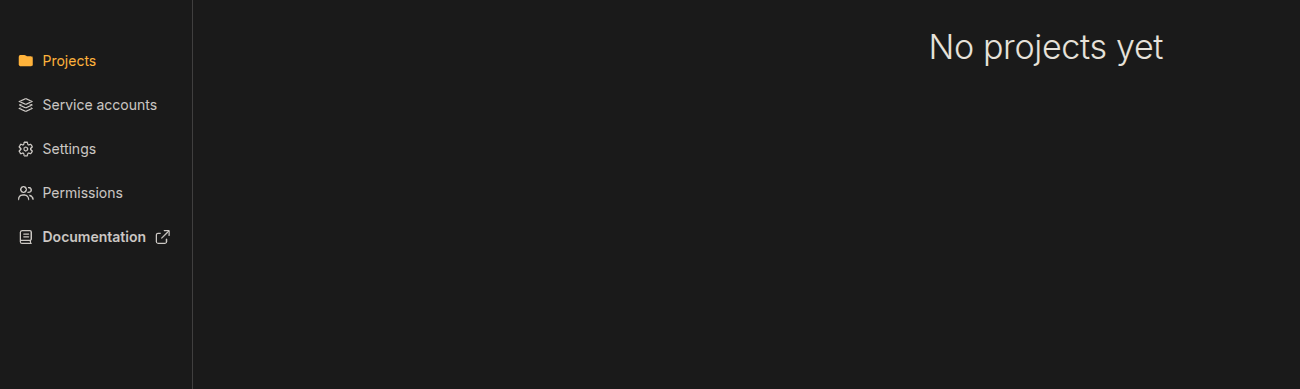
Redirection to the IndyKite Hub:
Step 2: Create Your Environment
IndyKite uses a hierarchical structure for organizing resources:
- Organization: Your top-level account container.
- Service Account: Credentials for managing configurations via the Config API.
- Project: An isolated working environment with its own Identity Knowledge Graph (IKG).
- Application: Represents your software system within a project.
- Application Agent: Identity that authenticates API calls from your application.
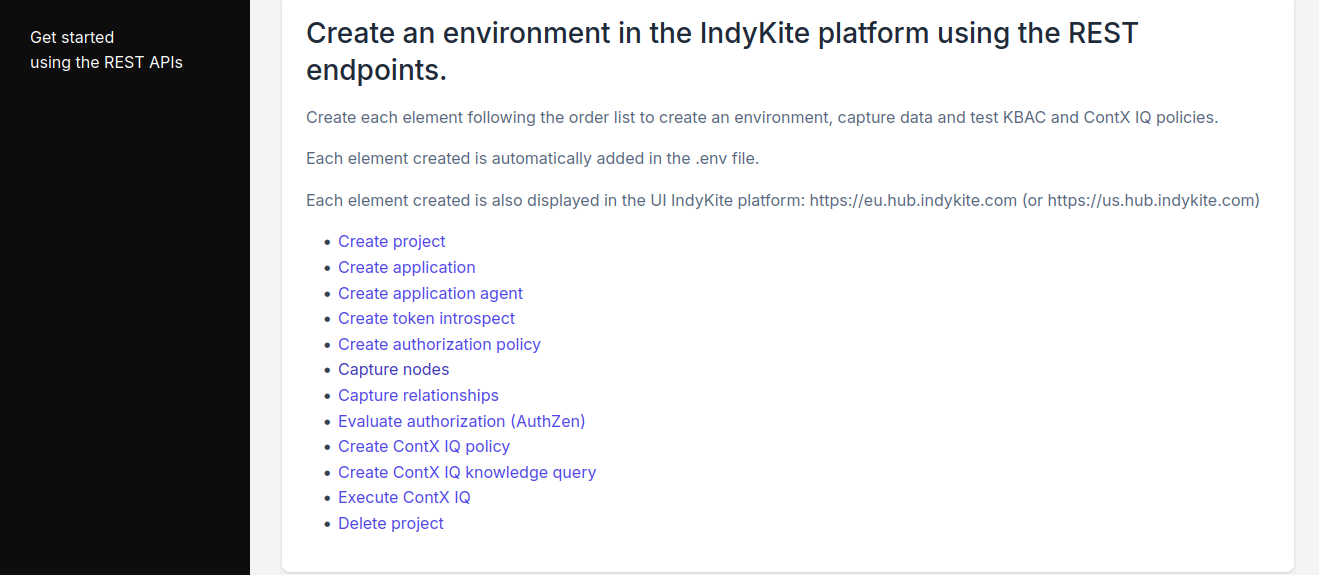
Option A: Quick Start Script (Recommended)
The fastest way to set up your environment is using the Developer Hub quick start script:
https://github.com/indykite/developer-hub/tree/master/get-started
This script will:
- Create a project and application with credentials.
- Capture sample data into your IKG.
- Create KBAC and CIQ policies.
- Run tests to verify the setup.
Prerequisites: Organization ID and Service Account credentials from the Hub.
Option B: Manual Setup via Hub
2.1 Create Service Account Credentials
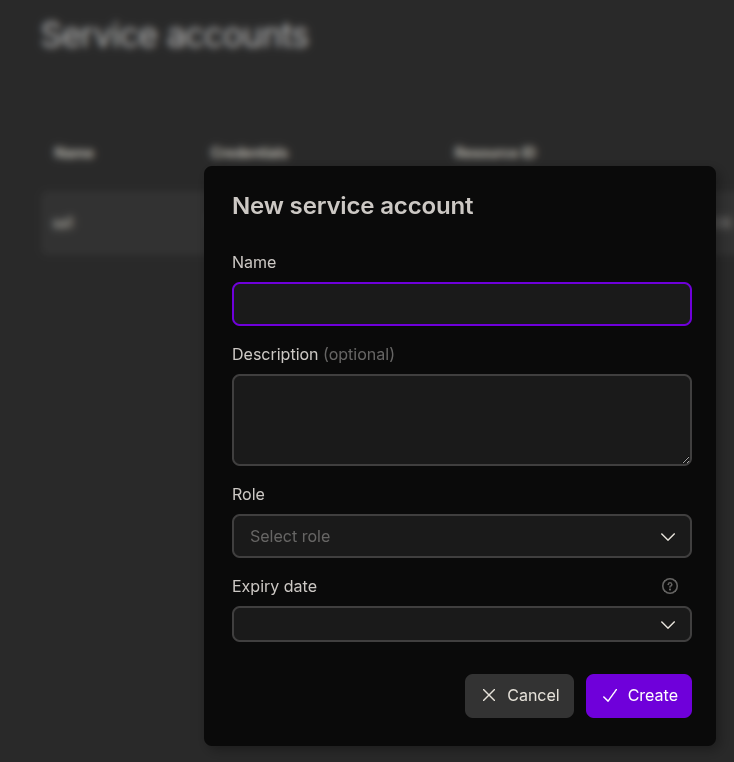
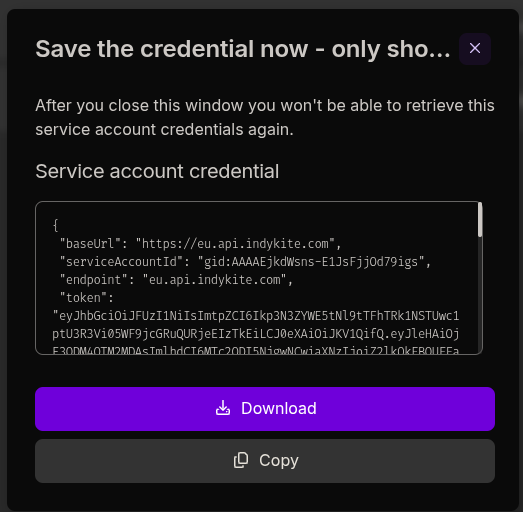
Service Account credentials are required for the Config API (creating configurations, projects, applications).
Go to: https://eu.hub.indykite.com/service-accounts
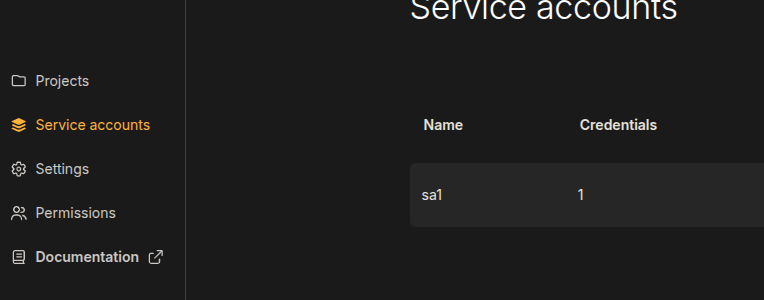
Create a new Service Account:
Download the generated credentials JSON file:
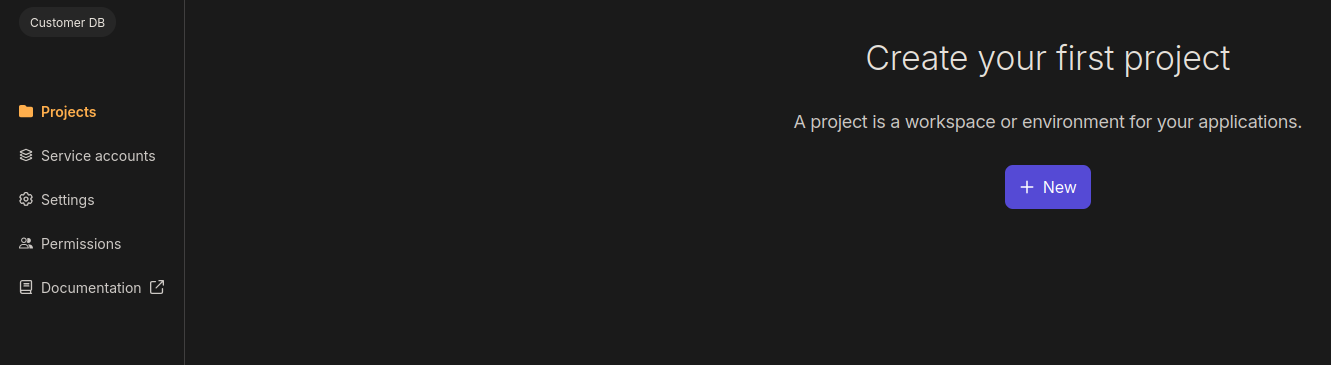
2.2 Create a Project
A Project is an isolated environment with its own Identity Knowledge Graph (IKG). The IKG is a Neo4j graph database instance.
If you need a Neo4j instance, you can get one free at:
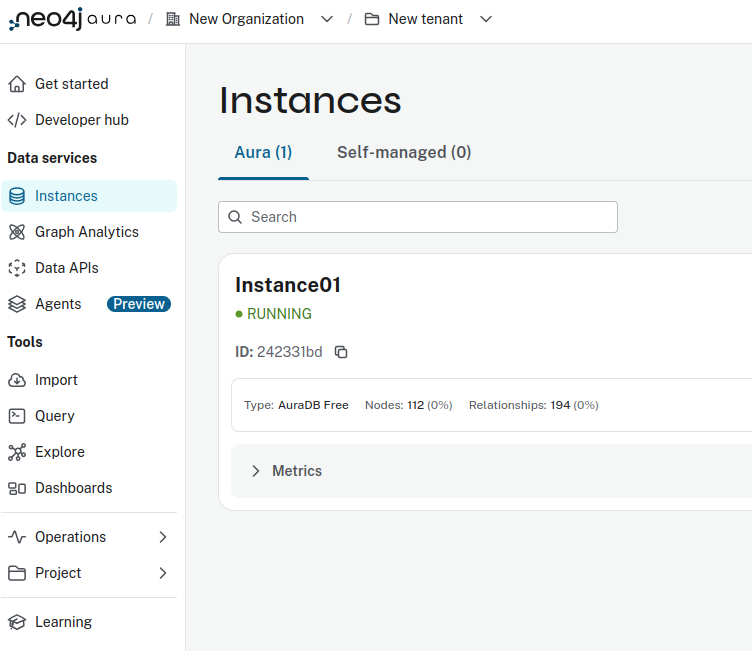
Create a new project in the Hub:
Enter your Neo4j connection details:
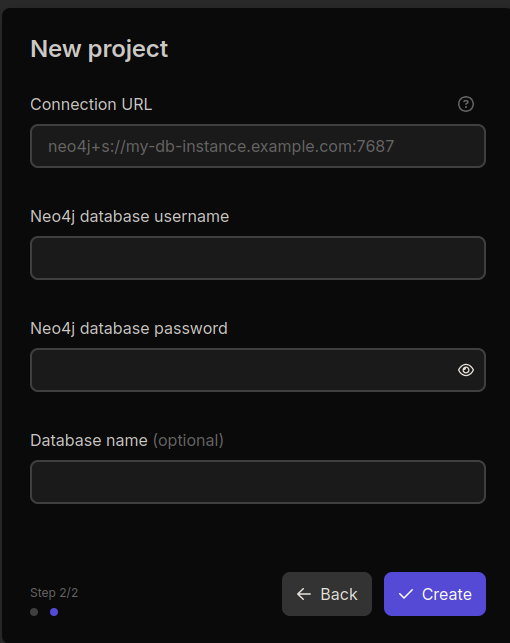
2.3 Create Application and Application Agent
An Application represents your software system. The Application Agent provides credentials for API authentication.
You can create these in the Hub UI, REST API: OpenAPI documentation or use Terraform: Environment Configuration with Terraform
Option C: Setup via Terraform
Use Terraform for infrastructure-as-code setup:
- Project, Application, Application Agent: terraform-2
- Token Introspect (for external identity providers): terraform-1
Step 3: Capture Data
The IndyKite platform operates on data stored in your Identity Knowledge Graph (IKG). Before using CIQ or KBAC, you must capture data into your graph.
What is Capture?
Capture is the process of storing nodes and relationships in your IKG. Data must be transformed into the schema accepted by the Capture API endpoints.
API Documentation: Capture API Reference
Examples and Resources:
- Developer Hub Resources: https://developer.indykite.com/resources
- GitHub Examples: https://github.com/indykite/developer-hub
Visualize Your Data:
After capturing data, view it in the Data Explorer: https://eu.hub.indykite.com/explore/data-explorer
Step 4: Use IndyKite Products
ContextIQ (CIQ)
What is CIQ?
ContextIQ is the primary API for interacting with data in your IKG. It provides authorized Read, Update, and Delete operations on graph data.
Key features:
- Query graph data with contextual relevance.
- Make real-time updates to nodes and relationships.
- Automatic data protection through KBAC policies.
Guide: CIQ Guide
Examples: Developer Hub Resources
KBAC / AuthZEN
What is KBAC?
Knowledge-Based Access Control (KBAC) is an OpenID AuthZEN-compliant authorization engine. It automatically authorizes access to all data in your IKG based on policies you define.
Key features:
- Powers CIQ authorization automatically.
- Can be invoked directly via the AuthZEN API.
- Fine-grained, relationship-aware access control.
OpenID AuthZEN specification: https://openid.net/wg/authzen/
Guides:
Examples: Developer Hub Resources
External Data Resolver
What is External Data Resolver?
External Data Resolver (Data Reference) enables fetching data from external APIs in real-time during CIQ query execution. Store sensitive data externally while still querying it through IndyKite.
Key features:
- Real-time external API lookups during queries.
- Keep sensitive data (VINs, SSNs) in secure external systems.
- Combine IKG graph data with external data sources.
Guide: External Data Resolver Guide
Trust Score
What is Trust Score?
Trust Score assesses data quality based on configurable dimensions like freshness, origin, and verification status. Use trust scores in authorization decisions.
Key features:
- Evaluate data trustworthiness automatically.
- Configure dimensions: Freshness, Origin, Validity, Completeness, Verification.
- Use trust scores in KBAC policies and CIQ queries.
Guide: Trust Score Guide
Outbound Events / Signals
What are Outbound Events?
Outbound Events (Signals) push real-time notifications to external systems when data changes or events occur in your IndyKite environment.
Supported providers:
- Kafka (Confluent)
- Azure Event Grid
- Azure Service Bus
Guide: Outbound Events Guide
Examples:
Videos
Additional Resources
- Developer Hub: https://developer.indykite.com/
- REST API Reference: https://openapi.indykite.com
- Terraform Provider: IndyKite Terraform Provider
- GitHub Examples: https://github.com/indykite/developer-hub
- Community Forum: https://forum.indykite.com/
- Graph Modeling Tool: Arrows.app (Neo4j graph modeling)