Outbound Events: Configure Kafka Event Streaming
This example configures Outbound Events with Kafka as the message broker:
What are Outbound Events?
Real-time notifications sent to external systems when changes occur in IndyKite.
Supported events:
- Configuration changes (policies, queries created/updated/deleted)
- Graph data changes (nodes/relationships created/updated/deleted)
- Authorization events (evaluations, access decisions)
Architecture:
IndyKite -> Event Sink Configuration -> Kafka Topic -> Your Consumer Application
One Event Sink per project. Multiple routes can direct different event types to different topics.
Use case
Scenario: You want to receive notifications whenever configuration changes are made in your project.
Event flow:
1. Admin creates/updates/deletes a policy
2. IndyKite detects the configuration change
3. Event Sink sends message to Kafka topic
4. Your consumer application receives the event
5. Application can: log, alert, sync, trigger workflows
Example events:
- Policy created: {type: "config.created", resource: "authorization-policy", id: "pol-123"}
- Node updated: {type: "capture.updated", node_type: "Person", id: "person-456"}
- Authorization: {type: "access.evaluated", decision: true, subject: "alice"}
Terraform registry for supported filters:
Requirements
Prerequisites:
- ServiceAccount credentials: For creating Event Sink configuration (Bearer token)
- Confluent Cloud account: With API key and cluster access
- Kafka topic: Created in your Confluent environment
Confluent requirements:
- Cluster bootstrap URL
- API Key and Secret for authentication
- Topic name for event delivery
Steps
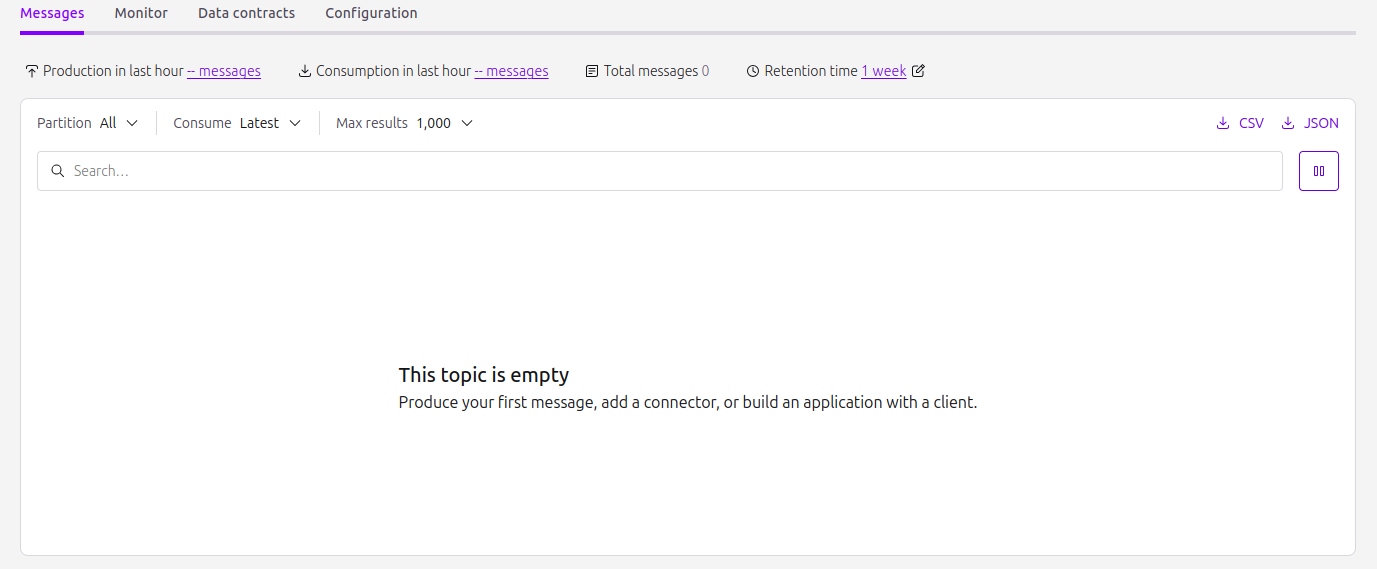
Step 1: Create Kafka Topic on Confluent.
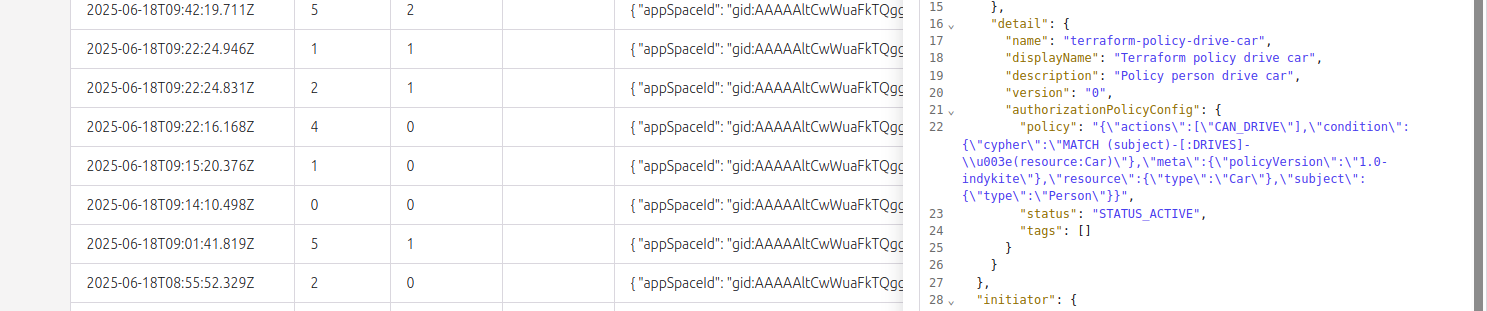
2. Create an Outbound Events configuration and a KBAC policy configuration.
3. Check that messages are received in the topic each time a CRUD action is executed on any configuration node (including any read action on Outbound Events).
Step 2
Create an EventSink configuration.
{
  "project_id": "your_project_gid",
  "description": "description of eventsink",
  "display_name": "eventsink name",
  "name": "eventsink-name",
  "providers": {
    "provider-with-kafka": {
      "include_cdc_events": false,
      "kafka": {
        "brokers": [
          "http://your-destination:9092"
        ],
        "disable_tls": false,
        "tls_skip_verify": false,
        "topic": "topic_signal",
        "username": "api_key",
        "password": "api_key_secret"
      }
    }
  },
  "routes": [
    {
      "provider_id": "provider-with-kafka",
      "event_type_key_values_filter": {
        "event_type": "indykite.audit.config.*"
      },
      "stop_processing": true,
      "display_name": "Configuration Audit Events"
    }
  ]
}
Create a simple Policy which designates the Person nodes who can drive a resource Car.
{
  "meta": {
    "policy_version": "2.0-kbac"
  },
  "subject": {
    "type": "Person"
  },
  "actions": [
    "CAN_DRIVE"
  ],
  "resource": {
    "type": "Car"
  },
  "condition": {
    "cypher": "MATCH (subject:Person)-[:DRIVES]->(resource:Car)"
  }
}